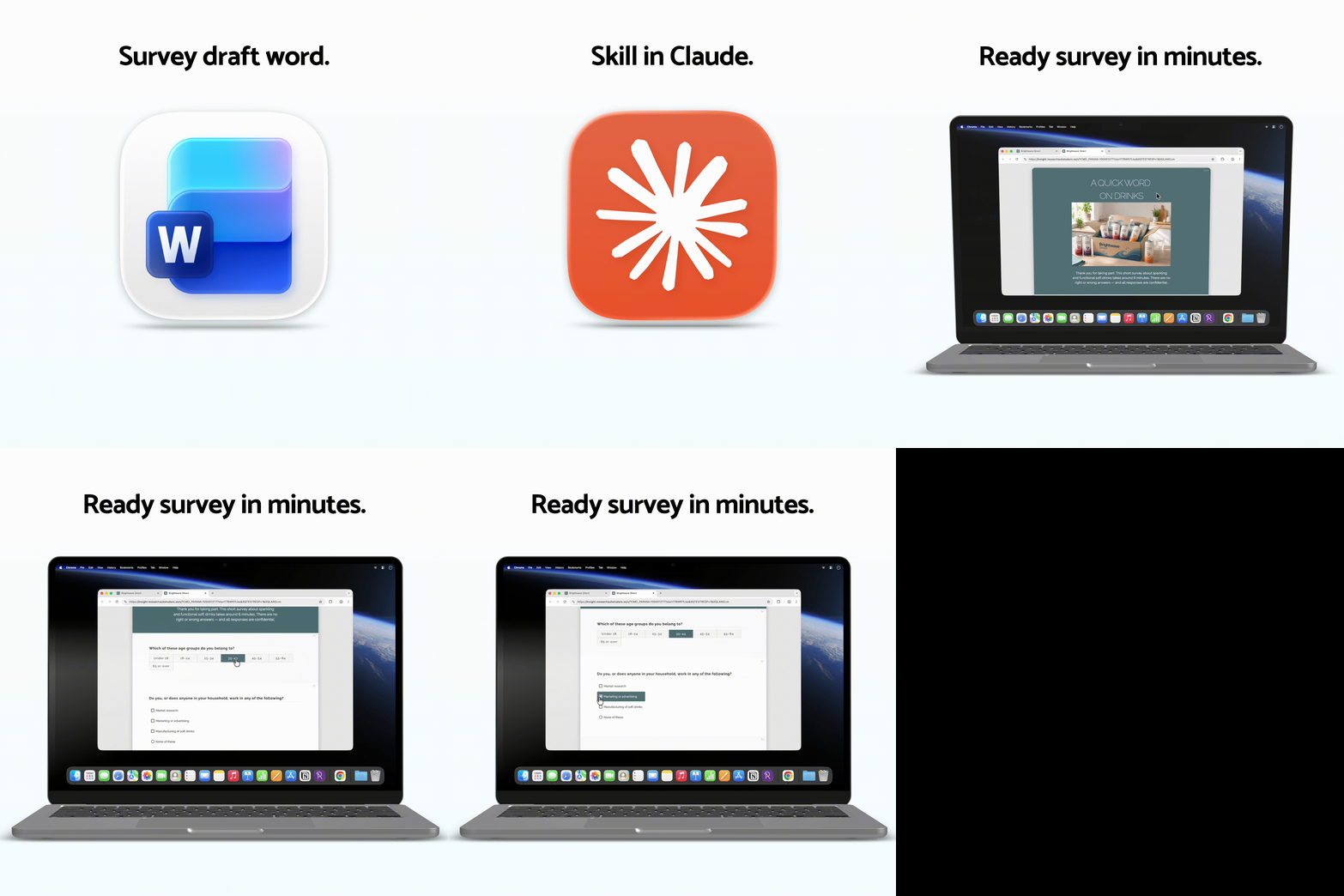
If your team still scripts surveys manually from Word or PDF documents, you already know how much time it takes. Every question typed out. Every answer option copied over. Every filter condition set up by hand – and then checked, and checked again.
It is one of the most time-consuming steps in the fieldwork process, and also one of the least value-adding. The questionnaire already exists. You are just translating it into another format.
That translation is exactly what AI is good at. With the platform Survey Automator from Research Automators, here is what the process could look like instead:
Upload your document, apply a survey scripting prompt, and get back a structured JSON file ready to import – complete with question types, scales, and routing logic. What used to take hours takes minutes.
With our survey-automator skill for Claude, you can turn an existing questionnaire into an import-ready survey for Survey Automator.
Upload or paste your questionnaire into Claude with the survey-automator skill enabled. Claude then creates the survey JSON that you can import directly into your project.
This works with:
● Word documents
● Excel sheets
● PDFs
● Existing questionnaires
● Rough survey notes
Step 1: Open Claude with the survey-automator skill
Start by opening Claude with the survey-automator skill enabled.
Then upload or paste your questionnaire, Word document, PDF text, Excel outline, or survey draft into the chat. You can upload the document directly or paste the questionnaire text into the chat.
Example prompt:
I have attached a Word document with our survey questionnaire.

Can you convert it into a survey I can import into Survey Automators?

Generate 20 example responses for testing as well.
Step 2: Copy the generated JSON
After Claude generates the survey, copy the full JSON response.
The generated JSON contains the survey structure and can be imported directly into Survey Automator.
You do not need to edit the JSON manually before importing.
Step 3: Import the survey JSON
Inside the Survey tab:
● Click Import survey
● Choose From JSON or From clipboard
● Paste or upload the generated JSON
● Select what parts of the JSON you want to import
● Done
You can also paste directly with Ctrl + V.
Generate synthetic responses for testing
The survey-automator skill can also generate example responses.
This is useful for:
● Testing dashboards
● Checking filters and segments
● Previewing exports
● Demo projects
● Testing survey logic
The same JSON file can include both the survey setup and synthetic responses. You can import the response data in the Responses tab.
FAQ
Do I need to understand JSON?
No. The survey-automator skill creates the structure automatically.
Can I use Word, Excel, or PDF questionnaires?
Yes. You can upload or paste existing questionnaire material into Claude.
Can I edit the survey after import?
Yes. Everything remains editable inside Survey Automator.
Can the skill generate test responses too?
Yes. The skill can generate synthetic response data for testing and demos.
Want access to the survey-automator skill?
Want to try this workflow with your own survey material? Use the buttons below to contact us or book a demo.